Auriga Lens

Your logs.
A clearer answer.

AI-guided log analytics for the software-defined vehicle.

Follow the evidence. Understand what failed. Turn raw automotive logs into findings your engineering team can review and act on.

One product. From engineering to field service.

The workflow

From raw capture
to a useful next step.

Logs record what happened inside a vehicle or test system. Auriga Lens helps you read those events in context, investigate the failure and share the findings.

  1. 01

    Bring the evidence.

    Start with a vehicle trace, diagnostic capture or software log. The walkthrough shows the supported automotive input categories.

    LOG FILES
  2. 02

    Add the context.

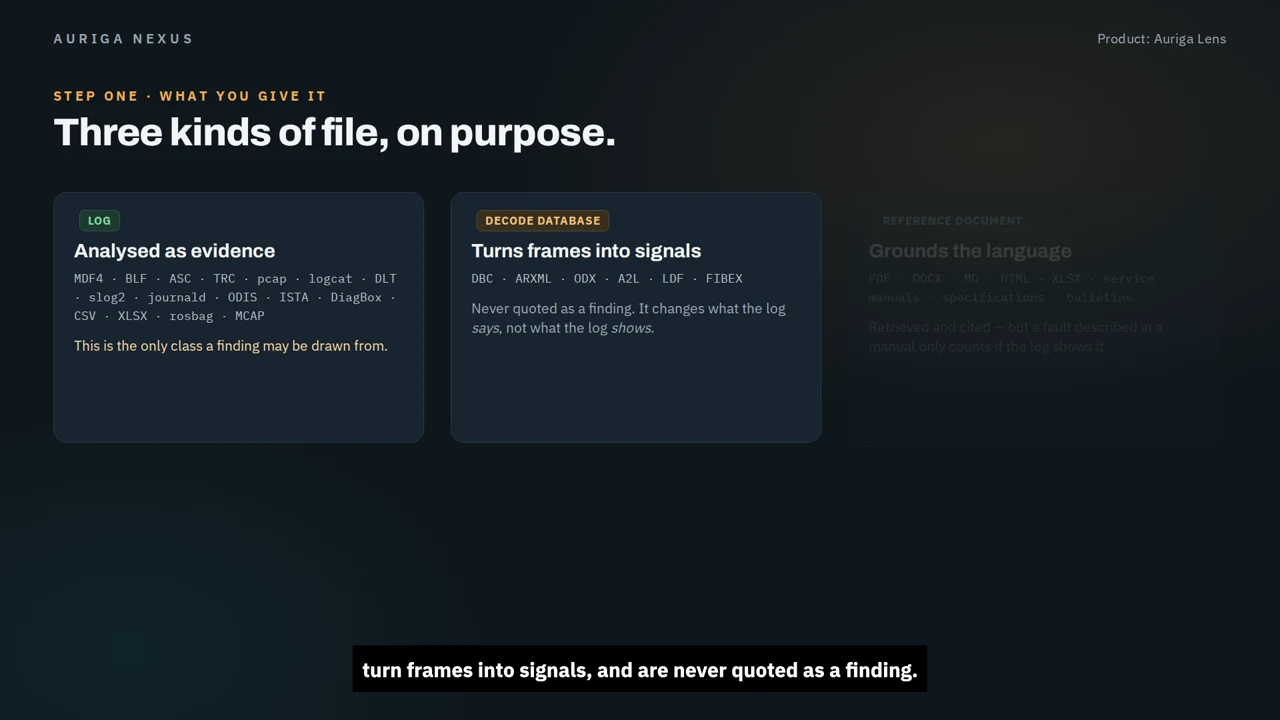
    Use decoding databases to interpret signals and reference documents to explain terminology. Keep them separate from the recorded evidence.

    DECODE + REFERENCE
  3. 03

    Investigate the cause.

    Review relevant findings, follow the event timeline and ask questions. Check each explanation against the lines that support it.

    ANALYSE + REVIEW
  4. 04

    Share what matters.

    Turn the analysis into a technical report or executive summary, with evidence your team can use for the next engineering decision.

    REPORT + HAND OFF

The log is the evidence. Decoding databases explain the signals. Reference documents add context. Neither is a substitute for what the recording actually shows.

See the method
See it in context

Different challenges.
The same evidence-led approach.

Choose the scenario closest to your work. Explore the evidence Auriga Lens helps you connect, the failure you need to investigate and the findings your team can use. The demonstrations show the workflow in context.

ADAS & automated driving01
Preview of adas & automated driving in Auriga Lens
3:11 Full HD Captioned

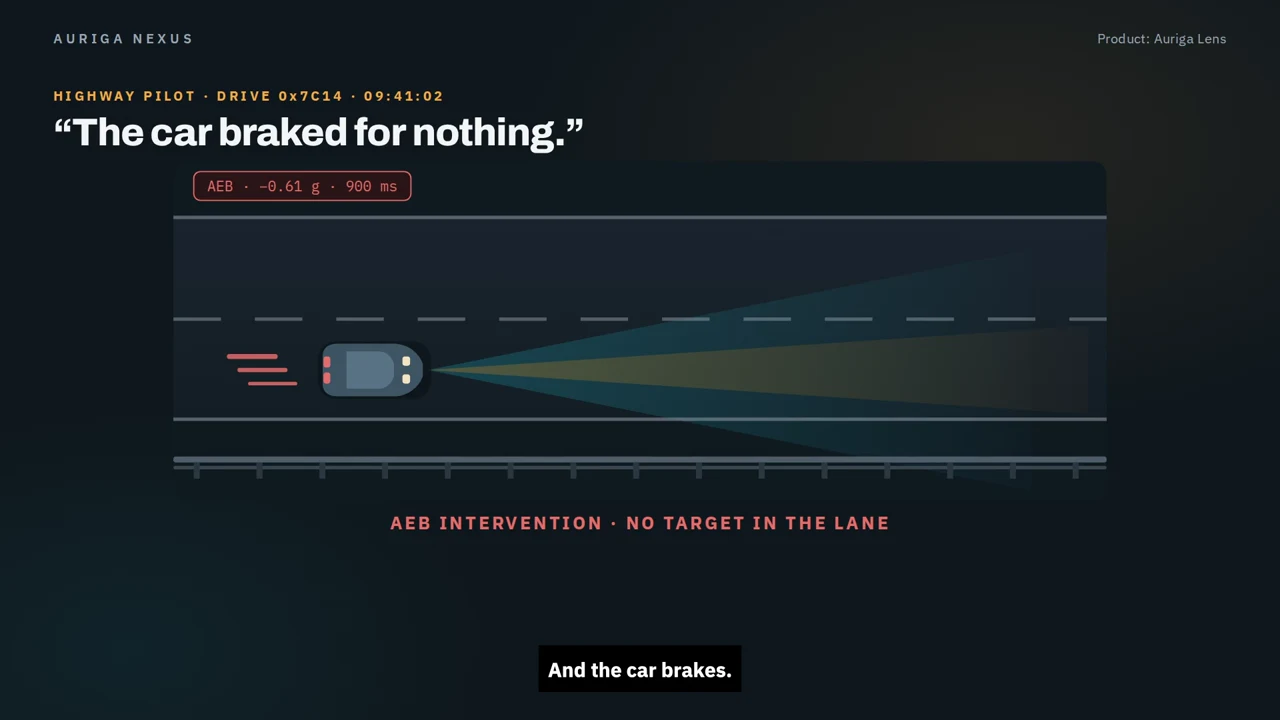
Why did the vehicle brake?

Investigate unexpected braking by connecting sensor timing, perception and fusion evidence to identify which stage failed first.

ADAS investigation capabilities
  • Align camera and radar events on a shared timeline to investigate the braking trigger.
  • Trace perception and fusion stages to separate the first failure from downstream symptoms.
  • Compare recurring evidence signatures across drives to support an engineering investigation.
Cockpit & infotainment02
Preview of cockpit & infotainment in Auriga Lens
3:05 Full HD

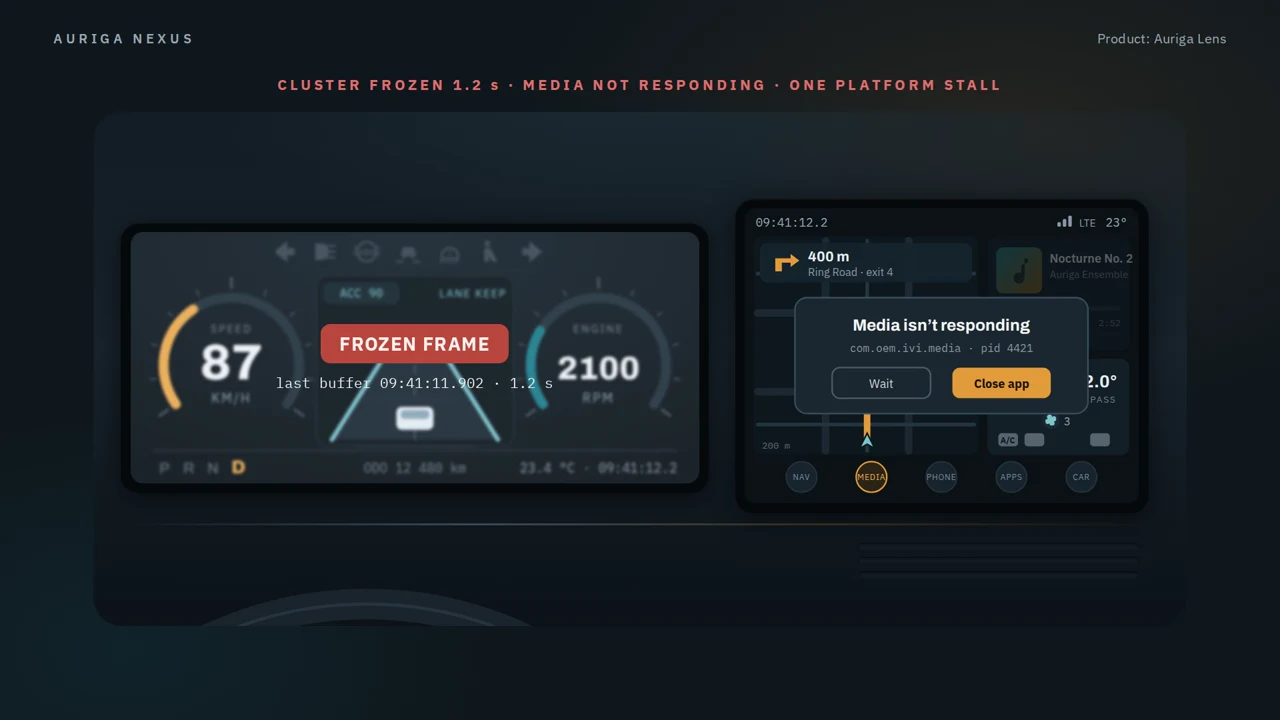
One freeze. Several software layers.

Trace a frozen cluster and an unresponsive media app across vehicle signals, Android, the platform and display rendering.

Cross-layer cockpit diagnosis
  • Connect bus signals, platform events and HMI behaviour in the same investigation.
  • Trace a stale vehicle property back through the rendering stall that preceded it.
  • Use an evidence-linked report to hand findings from the cockpit investigation to the engineering team.
EV & charging03
Preview of ev & charging in Auriga Lens
2:58 Full HD Captioned

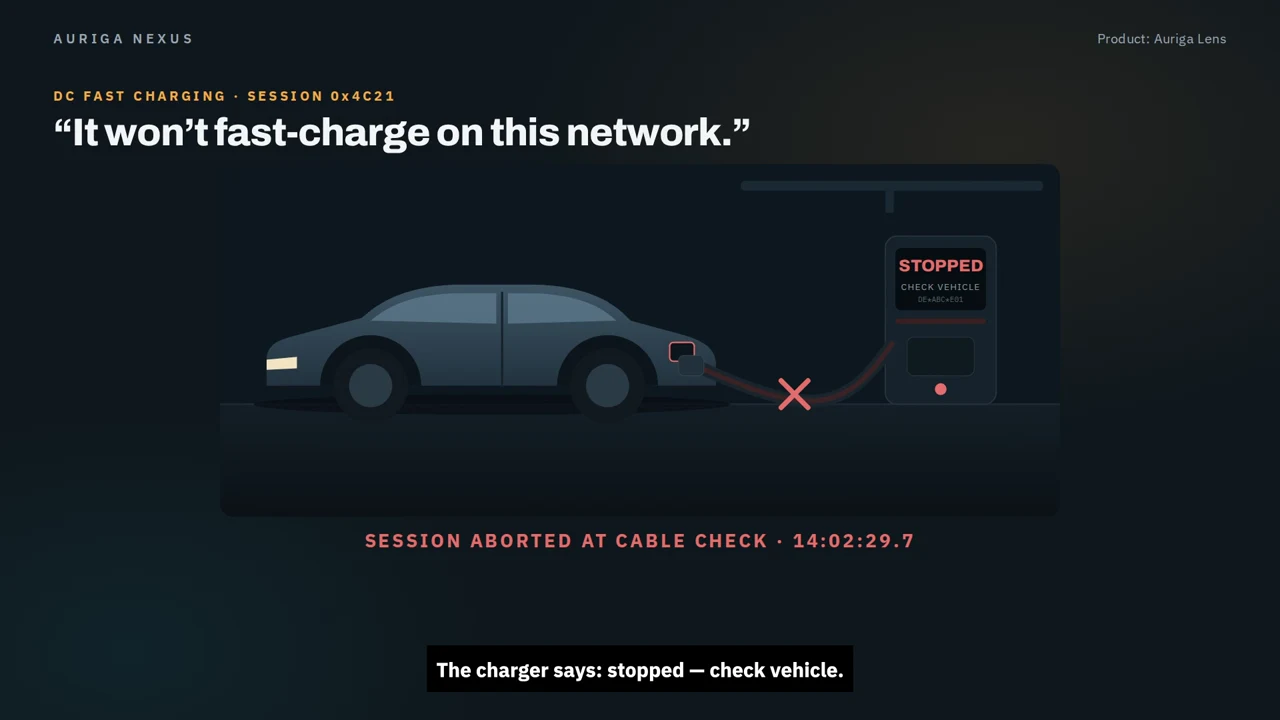
Where did the charging session stop?

Read the vehicle–charger exchange in order and trace a failed DC fast-charge session to the evidence at the point of failure.

Charging-session diagnostics
  • Reconstruct the charging sequence from initial communication through cable check.
  • Compare vehicle-side measurements with charger responses at the point the session stops.
  • Separate the observed failure from components that the recorded evidence shows were operating correctly.
Service & field quality04
Preview of service & field quality in Auriga Lens
3:07 Full HD Captioned

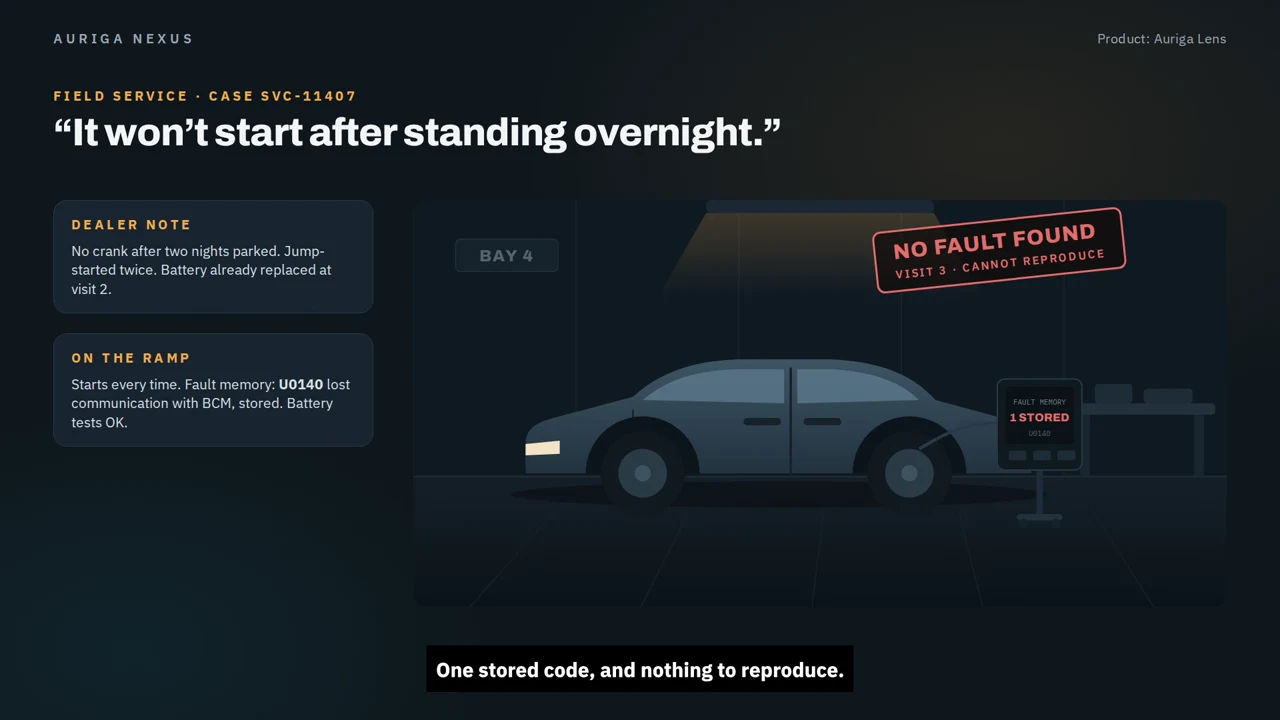
Turn a repeat visit into a clear finding.

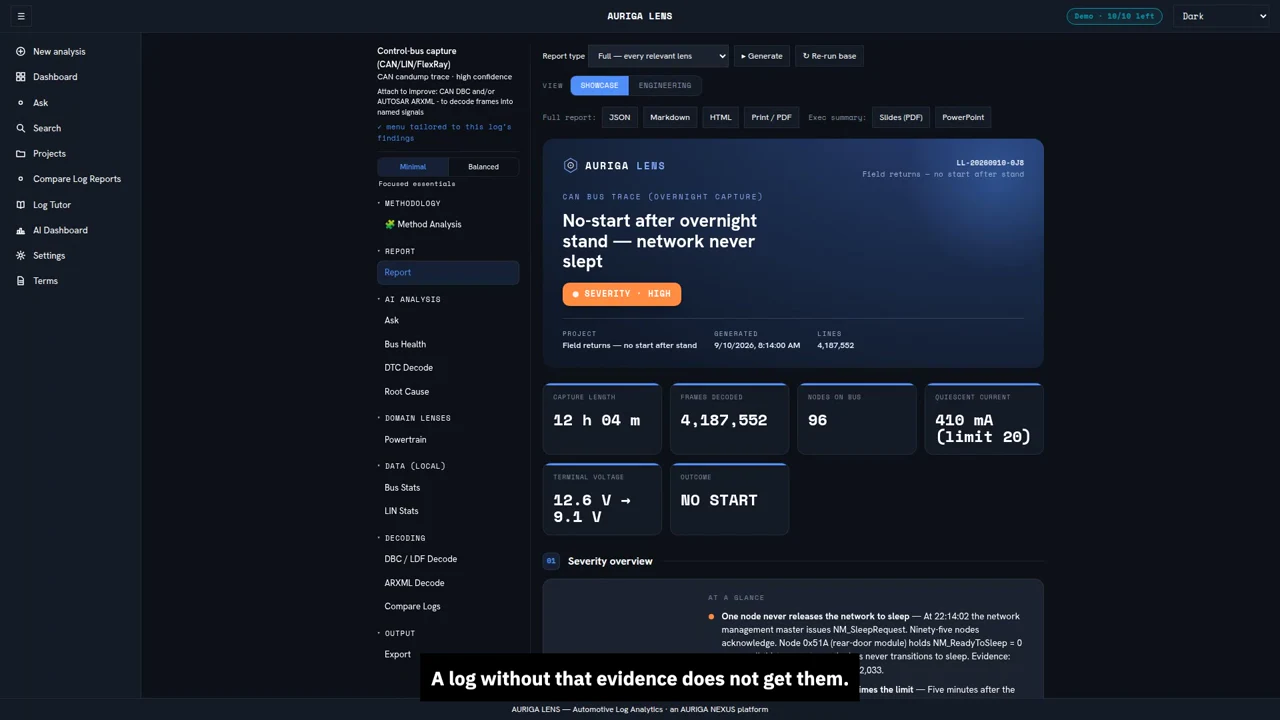
Investigate an overnight no-start complaint using workshop captures, sleep/wake events and evidence from recurring field cases.

No-start and battery-drain analysis
  • Connect the customer complaint to the overnight recording rather than treating the symptom in isolation.
  • Follow network activity, current draw and battery voltage to investigate sleep/wake behaviour.
  • Group similar evidence signatures from recurring cases for engineering review.

The films use demonstration scenarios. Findings depend on the available logs, selected method and product configuration.

Go deeper

Understand the product.
Understand the method.

See the bigger picture, then explore how the platform separates evidence from context and carries findings into an engineering report.

The wider picture
Preview of the wider picture in Auriga Lens
2:53 Full HD Captioned

From the test bench to the field.

Apply an evidence-led investigation workflow across component testing, vehicle validation and service, from the raw capture to a report the team can review.

Across the vehicle lifecycle
  • Connect investigations across component testing, vehicle validation and field service.
  • Check the automotive input before moving into analysis.
  • Carry the recorded evidence into an engineering report for review and follow-up.
Platform explained
Preview of platform explained in Auriga Lens
2:52 Full HD Captioned

Evidence first. Explanation second.

Keep logs, decoding databases and reference documents in their proper roles, with findings tied to recorded events rather than context alone.

How evidence supports each finding
  • Use logs as evidence and decoding databases to give frames and signals meaning.
  • Use reference documents for context, not as proof that an event occurred.
  • Follow log-specific analysis, cited findings and cross-log comparisons back to their supporting evidence.
Before you begin

A few useful answers.

Start with the walkthrough, then bring a representative log and your engineering questions to a guided demo.

What data can I bring to an Auriga Lens demo?

Start with a representative vehicle bus trace, diagnostic capture, automotive Ethernet trace, measurement file or software log such as an Android, QNX or Linux capture. The demonstrations cover these categories; confirm support for your exact file format and version during the demo.

Are manuals and decoding files treated as evidence?

No. Auriga Lens distinguishes the recorded log from its supporting files. A decoding database interprets frames and signals; a manual or specification provides context. A finding needs support in the recorded events.

How can I match Auriga Lens to my workflow?

Start with the four-step workflow, then explore the use case closest to your domain. The capability notes explain what to investigate, and the accompanying videos demonstrate the process. The product and method section explains the evidence-led approach in more depth.

How do I explore Auriga Lens for my team?

Use the demo enquiry page to describe your domain, file formats and current investigation workflow. These are recorded demonstrations; a guided session is the place to confirm the capabilities and deployment options appropriate to your environment.

Your next investigation

Bring a log.
Start with the evidence.

See how Auriga Lens fits your engineering workflow.